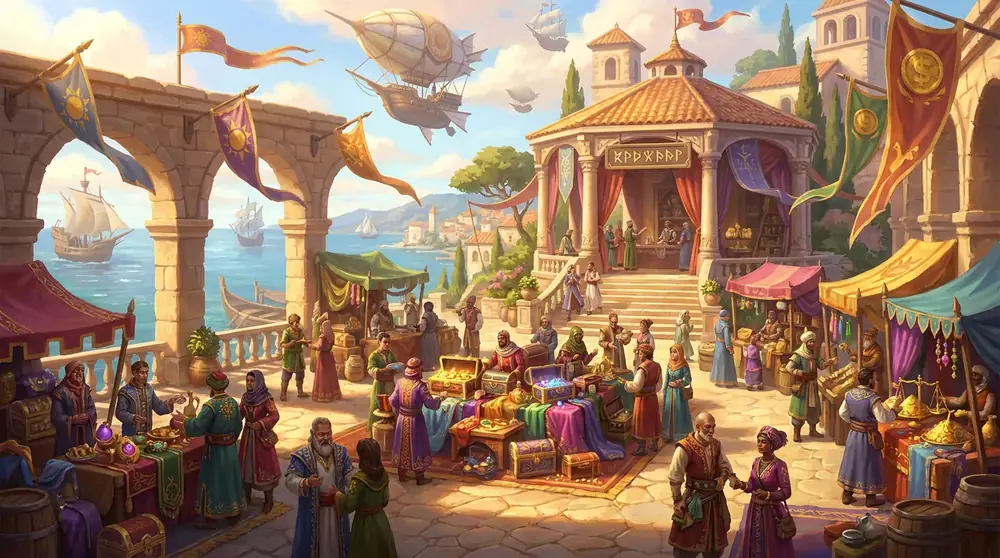
Trading between players in Forsaken World goes three ways: mail, the auction and direct trade. All three work through NPCs or objects in Freedom Harbor. Below is how to use them and the common pitfalls.
Bound and unbound coins
First, the key point. The game has two kinds of coins:
- Bound coins drop from monsters and come from quests. Most NPC services are paid with them.
- Unbound coins can be passed to other players. Regular hunting gives almost none; the main source is trading with players.
Attaching coins to a letter, or listing an unbound item for sale, only works with unbound coins. Keep this in mind when something won't send or list.
Letters are sent and received at mailboxes in Freedom Harbor. You can attach unbound coins or an item to a letter; received letters can be read, their attachments taken and the letters deleted.
Fee and rules
- Sending a letter costs 500 coins.
- To attach coins you need that many unbound coins.
- If you don't have enough money, the game shows a generic "service unavailable" message rather than "not enough money". If you see it at a mailbox, check your wallet first.
Auction
The auction runs through the auctioneers in Freedom Harbor: Grandet, Stonekin and Cruelgem. In the auction window you can list lots, view your own lots and withdraw them.
How to list a lot
- Stand right next to an auctioneer and open the auction window.
- Choose the item, quantity, starting price and buyout price. The buyout can't be lower than the starting price.
- Choose the duration. Listing takes a deposit that depends on the quantity, the duration and the item itself. You need enough coins to cover it.
Why a lot won't list
The game answers every refusal the same way: "service unavailable". Common reasons:
- the item can't be sold on the auction (some items carry this restriction);
- not enough coins for the deposit;
- a zero price, or a buyout lower than the starting price;
- you just logged in (see below) or your character is dead.
Direct trade
Hand-to-hand trade works, including items. Conditions:
- both players are alive;
- they stand no more than 10 meters apart, on the same map;
- neither of them is in another deal or talking to an NPC.
If the trade won't start, move closer and check that your partner isn't lying dead.
Trade chat
The trade chat channel is local: messages are seen by players within about 50 meters of you, just like regular local chat. This version has no server-wide trade channel. Shouting to the whole world requires a special megaphone item.
So post "buying/selling" messages in a busy square, or go straight to the auction.
Protection after login
For the first three minutes after logging in, trade, auction, mail and crafting are locked; this is account protection. If something doesn't work right after login, just wait.
Tips
- Save up unbound coins: you need them for mail with money, the auction and creating a kingdom.
- Sell on the auction what others value: enhancement stones, materials for professions, boss gear.
- Before mailing an item to a friend, warn them about the one-hour delay.
- Merchant prices and item details are in the item database.
Related guides
 Professions and CraftingHow to learn a profession, how many you can hold at once, and what each of the 11 crafts in the recipe database makes.
 Guilds (Kingdoms)How to create or join a guild, what it costs, and what a guild base, the dragon raid and the war for stars are.
 Equipment EnhancementHow equipment enhancement up to +12 works, which stones you need, what a failure costs, and how to set gems into newly opened sockets.